Print, Copy & Scan
We offer copying, scanning and printing services for a fee (current charges below).
Scanning can be to multiple email addresses and/or directly to your USB
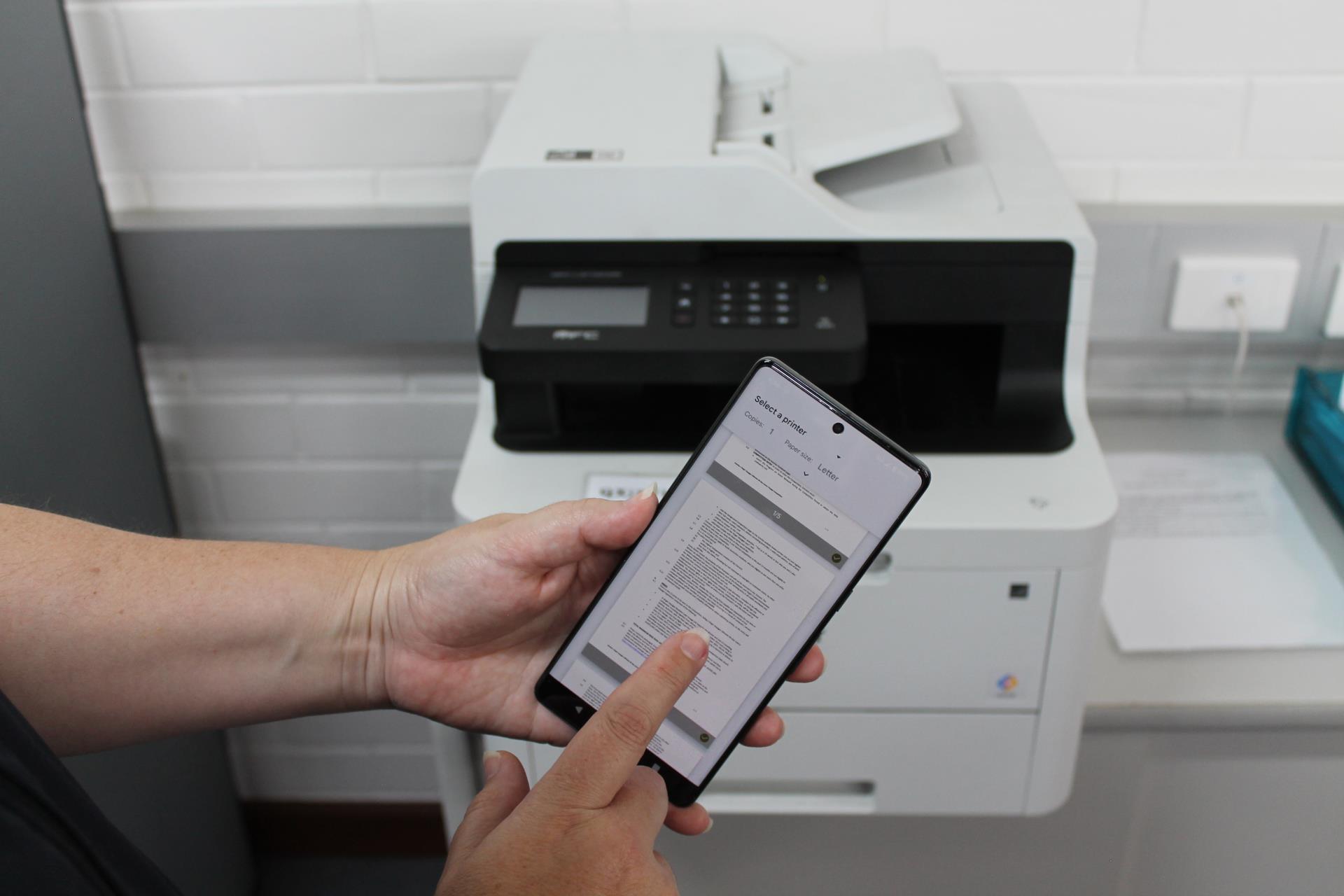
You can print from our public computers or use our mobile printing option.
Mobile Printing
With our Princh Printing Service, you can use your personal computer or mobile device to print to the library’s printers from anywhere.
Simply submit documents for printing and come to the library to release and pick up your document. Please note the following:
- Pending print jobs are held for 24 hours and will automatically expire if not printed within this timeframe.
- Payments made by card for print jobs that have expired will be refunded by Princh.
- Card payments may be subjected to international transaction fees by your bank.
Upload
Documents can be uploaded and sent to the library print system.
1. Click the link to begin
2. Follow the prompts to upload and send your document. You can pay online or at the Library counter in person.
4. Make a note of your 4-digit code or email it to yourself. You will not be able to release your printing without this code.
3. Come to the library and release your printing. Staff are on-hand to assist you if required.
Princh App
Documents can be sent to the library print system via the Princh app for mobile devices.
iOS device
1. Install the Princh app for iOS
2. Open the document, click Share and then select the Print option
3. Pinch out on your document and click Share
4. Find the Princh app and select it
5. Enter the printer ID : 112977
6. Choose your print settings
7. Pay with your preferred payment method
8. Visit the library to release your print job (located upstairs)
You can also watch the video guide here.
|
Android device
1. Install the Princh app for Android
2. Open the document, click the three dots and then press Print
3. Select a Princh Printer and press Print
4. Enter the printer ID : 112977
5. Choose your print settings
6. Pay with your preferred payment method
7. Visit the library to release your print job (located upstairs)
You can also watch the video gu
|
Fees & Charges 2025/2026
Printing & Copying
| Black and White Only |
Cost |
| A4 Single Sided |
$0.30 |
| A4 Double Sided |
$0.50 |
| A3 Single Sided |
$0.60 |
| A3 Double Sided |
$1.00 |
| Colour |
Cost |
| A4 Single Sided |
$1.00 |
| A4 Double Sided |
$1.50 |
| A3 Single Sided |
$2.00 |
| A3 Double Sided |
$3.50 |
Scanning to Email or USB
FREE